NICK VLOGG: What is important to know about our navigation?

In another episode of Nik's vlog, we will answer some of the most frequently asked questions when working with Trimble navigation displays.
A service expert from the Nik team will give useful advice needed by anyone who works with Trimble navigations, to ensure fast and trouble-free operation in the field.
What signal does the navigation currently work with?
Checking the signal with which the navigation is currently working is easily and quickly checked at a glance in the upper right corner of the navigation.
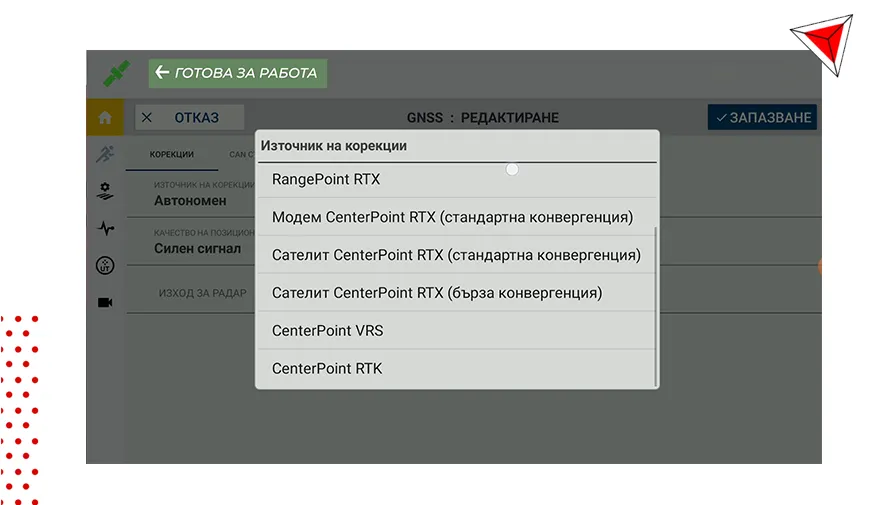
From there you can see and select the type of signal at work. If the color of this icon is green, then the system is ready for operation.
How to set up inventory for work?
This is also the second most frequently asked question.
The adjustment of the inventory is important so that the treatments can be of quality, fast and precise. With Trimble displays, this is done in a few easy steps:
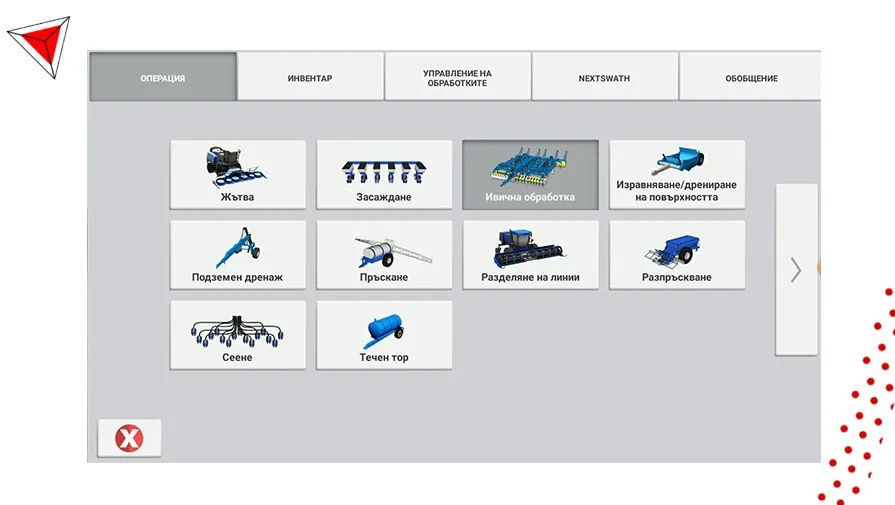
All the steps for the correct setting of the inventory you can see in the following video:
How to transfer information from navigation?
The ways to transfer information from navigation to navigation and from navigation to the office are several, namely:
- The TechnoFarm Connect device
- Trimble Auto-Sync
- Flash memory
Check out the full video of the series:
If you want to receive more interesting and useful information, subscribe to NIK's Youtube Channelas well as our special email newsletter!
Other articles

Field Innovations: Chomstil is among the first farms in Bulgaria with a Kverneland Alentix spreader
.webp)