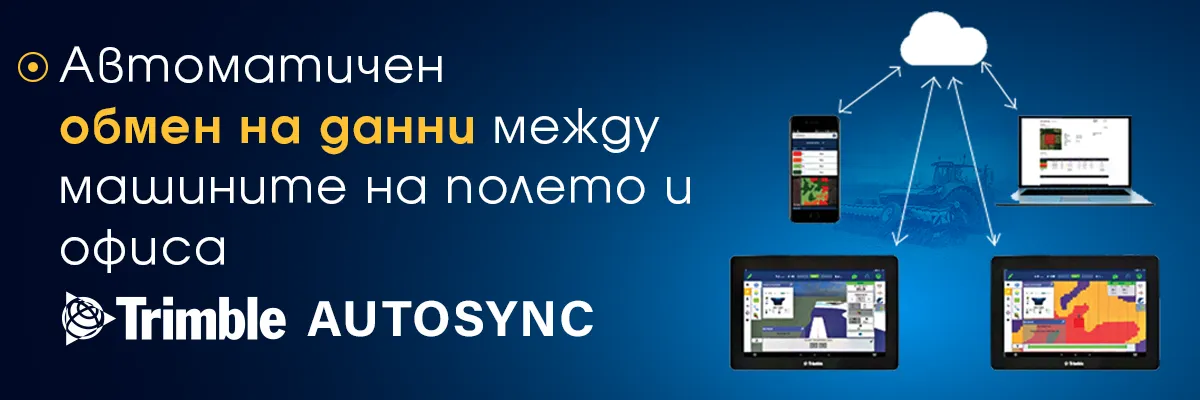
Automatic data exchange between field and office machines with Trimble AutoSync
Effective management of a farm is a laborious and responsible task. To be able to improve productivity, farmers spend time and resources to achieve better control over all operations within the farm.
But regardless of the size of the farm, the data obtained by all machines can be confusing. We know well that making timely and adequate decisions especially during a campaign is of enormous importance for all follow-up operations during the year.
As part of Trimble's innovative vision to improve digital data transfer on the farm, for several years now farmers have been able to more easily manage information from all connected devices through the software Trimble AutoSync.
With Trimble AutoSync, navigation lines, block boundaries, location, VRA maps, and other important flight, machine, inventory, material, and operator information are fully automatically synchronized.
Through AutoSync, data added to one display is automatically reproduced on all other connected displays. The data created and added via the office computer is also automatically synchronized on the connected displays. So, for example, when one operator sets an AB line, the other operators and employees in the office can get it. When entering the parcel, the other operators simply follow the initially set navigation line.
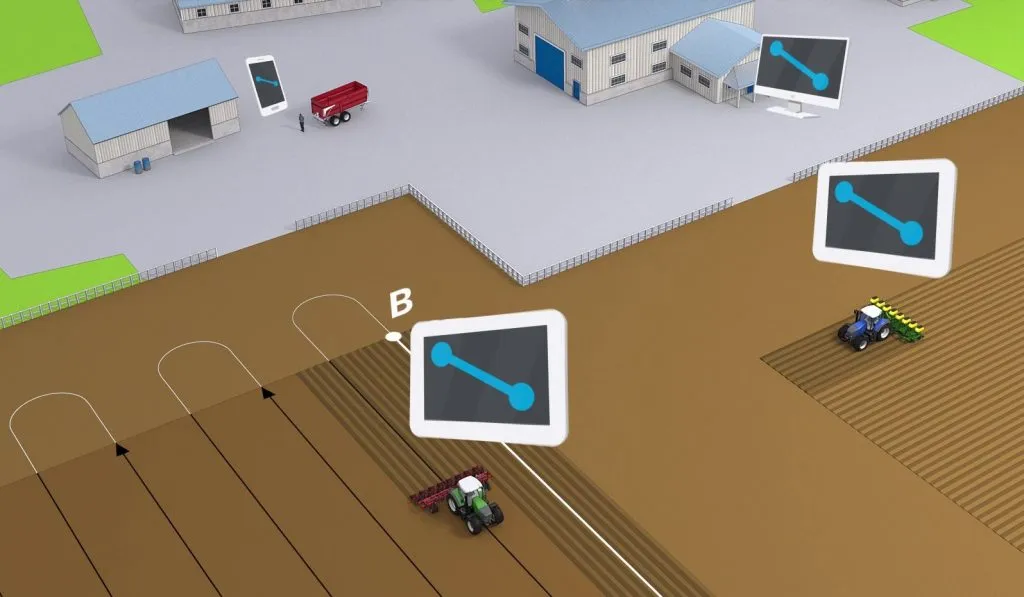
Thus, manual data transfer via flash memory is eliminated, as well as errors that can be made with this method of information transfer. During or at the end of the working day, each operator sends data on the performed processing operations completely automatically to the office employees. Thus, it is easy to track the implementation of a specific task and take timely action if necessary.
What are the key benefits of Trimble AutoSync?
Time saving
Share information between all PIQ devices in real time, without the need for USB
Improved performance
Automate critical processes during a campaign
Reduced risk of
Admitting human error in the transfer of data
Expense Tracking
Tracking costs at the decar level.
Trimble Auto Sync users can*:
- Create, edit and delete data online — any change in information can be synced directly across all connected devices
- Create, edit, and delete data directly through navigation displays
- Manage the data of the tasks set and performed from the display
- Erase data from the display
*Depending on the given access rights and functionalities
Requirements for working with Trimble AutoSync
Trimble AutoSync software is a solution that works with all Trimble displays with Precision-IQ. Another requirement is to have an Internet connection on the display, laptop or other device with which it is necessary to synchronize information. When using a desktop computer or laptop to transfer information, a license for Trimble Farmer Core is required.
Contact our software experts or representatives throughout Bulgaria for more information!
Other articles
Field Innovations: Chomstil is among the first farms in Bulgaria with a Kverneland Alentix spreader
.webp)